Don’t Turn Your Linux PC Into a Lab Experiment

The Dual Nature of Linux
Linux has a somewhat contradictory reputation. On the one hand, it’s known as a rock-solid operating system that never goes wrong and offers countless hours of uptime. On the other hand, it’s also known for being easy to break in the wrong hands when you start digging around under the hood. Both of these can be true, but your personal Linux PC that you use every day should be more from column A than column B!
Your Daily Driver Is Not a Lab

Plenty of people who use Linux love to tinker. To distro-hop, to optimize, and, of course, to learn Linux itself by experimenting with it. There is absolutely nothing wrong with this, and people should do it. However, there is also no reason to do your experimentation with your daily-driver system! This is why in the professional IT world there’s a separate development and production environment. You use your development environment to experiment, and when you’re confident that you’ve got something stable, you push it out for daily use.
That’s the attitude you should have for your daily-driver Linux machine. It’s not a toy, it’s the computer that’s actually supposed to let you do useful things like work and play. If you want to mess around with Linux, then a virtual machine is a much better choice, or at the very least a separate boot drive or partition, if running on the bare metal of that specific computer is important to you.
Most “Essential Tweaks” Are Cargo Cult Behavior
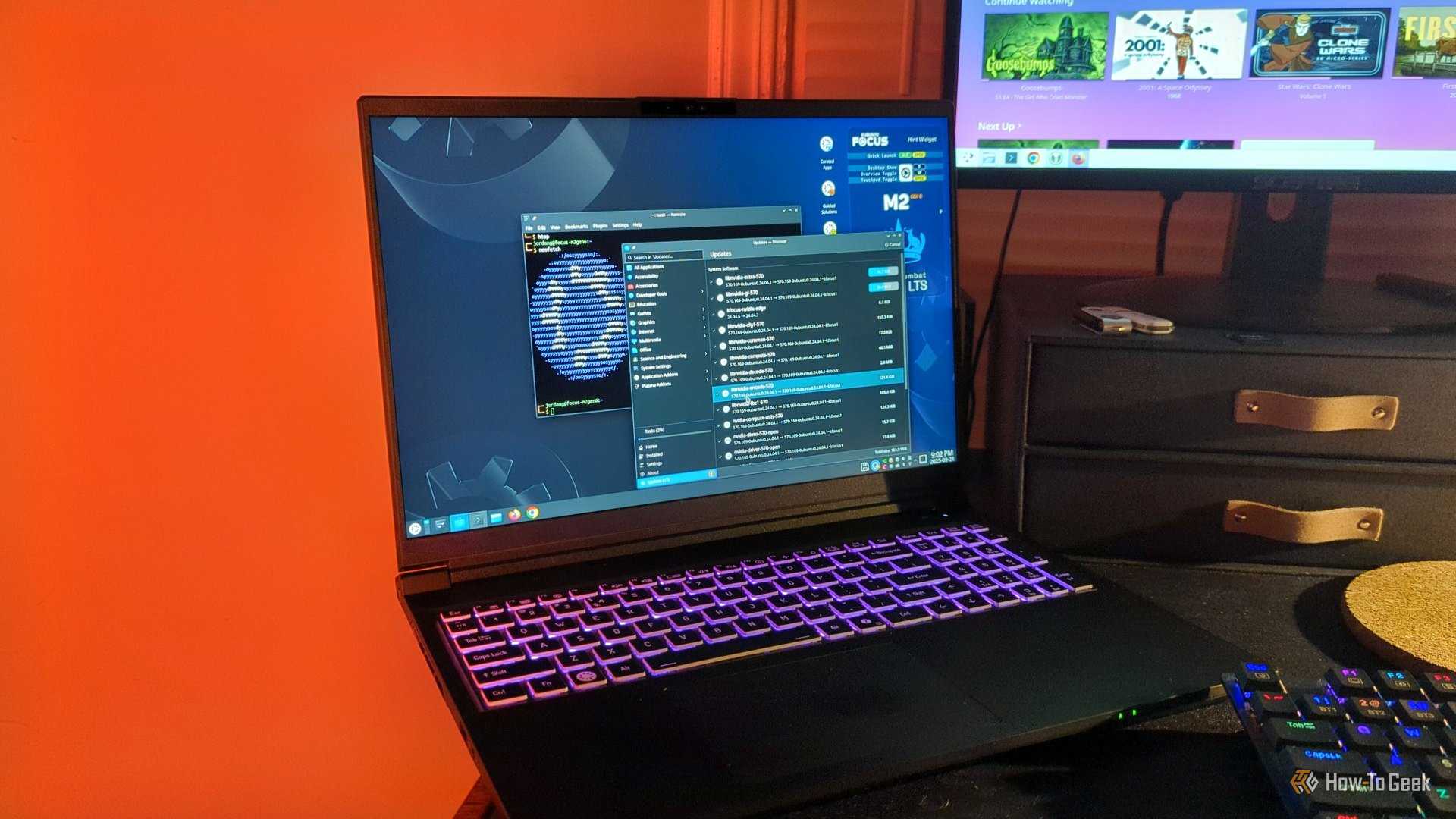
Apart from it being a bad idea to treat your main Linux installation like an experimental environment, a lot of the tweaks, hacks, and optimizations people end up doing aren’t particularly useful or impactful. Just like anything, the Linux community is vulnerable to fads, trends, placebos, and all the other silliness that can happen in a global game of telephone.
So people end up, for example, copying entire dotfiles (those config files that start with a period) from the internet to replace their own with the promise that it will do something radical or cool. However, unless you audit (and understand) every line of script in that file, you’re just asking for trouble.
Then there are those placebo kernel tweaks and user-level toggles that someone online swears made their computer faster or better in some way, but there’s no actual proof. The more you mess with things, the higher the chances that something will go wrong. Two separate tweaks that are innocent enough by themselves, can end up interacting in unpredictable ways. Or your constant tweaking over time compounds into problems with stability.
There’s a Difference Between Learning and Sabotaging
If what you want to do is learn Linux (or any operating system), then messing around with it and breaking things is an excellent way to do it. This is exactly how I learned most of what I know about computers. Unfortunately, I did a lot of that learning on our family’s only computer, which often meant also figuring out how to fix what I broke before my parents got home!
Now, I have a Raspberry Pi, which is my primary Linux toy, and since it has no fixed, critical job to do, there’s no downside. The same goes for running Linux VMs. This is how I try out different distros. I don’t even bother going down the dual-boot route, because in modern times there’s just an easier way to have fun learning Linux as a hobby.
Boring Linux Is How You Win
Now, when you’re actually building a production server for your home, or a desktop PC you want to use every day like a normal computer, boring is your path of choice. You should never be spending time fixing your Linux PC that isn’t strictly spare time. That’s not an option when it’s your main system!
So set some boundaries for yourself, and think of your daily driver as a commuter car, and your experimental Linux setup as a supercar. One of those needs to get you to work every day without breaking down, and the other one is for fun, so it’s OK if things go wrong. Which also means picking the right distro! If you’re looking for the right Linux distro for your daily driver, we have ones that are best for newcomers or just popular distros where some are clearly better suited for daily use than others. Building a computer meant to be used as a boring old workhorse starts with your distro of choice, so choose carefully.

- Valley Health Care menyediakan pelatihan CIT gratis untuk petugas respons pertama - March 28, 2026
- Dabble Promo: Get $10 When You Sign Up for High Point vs. Arkansas - March 28, 2026
- LPDP beri peringatan alumni tidak patuh di website - March 28, 2026


Leave a Reply